
Save the number before you need it.
The easiest time to set up access is when everyone feels well. Open resident access, choose your community and save the Tap contact card. Tap verifies eligibility by text; selecting a community is the starting point, not a substitute for that check.
An ordinary text starts the conversation. There is no special phrase to remember and no need to download a separate app just to send it. You might say, “My child has a fever,” or “I am running out of my blood pressure medication before my appointment.”
You know who is helping you.
A member of the clinical team introduces themselves and identifies their professional role. Tap’s team includes physicians, physician assistants and nurse practitioners. They ask about symptoms, timing, medical history, medicines and other information relevant to your concern.
Some intake questions may be automated to help collect information. Clinical decisions belong to the care team. You should not have to guess whether a question about your health is receiving clinical attention.
Start with a text. Continue in the way that helps.
Hi, can you help? I’m almost out of my usual medication.
Let’s take a look together. First, I’ll confirm your details and ask a few questions about your medicine and how you’re feeling.
Sometimes it is easier to show than explain.
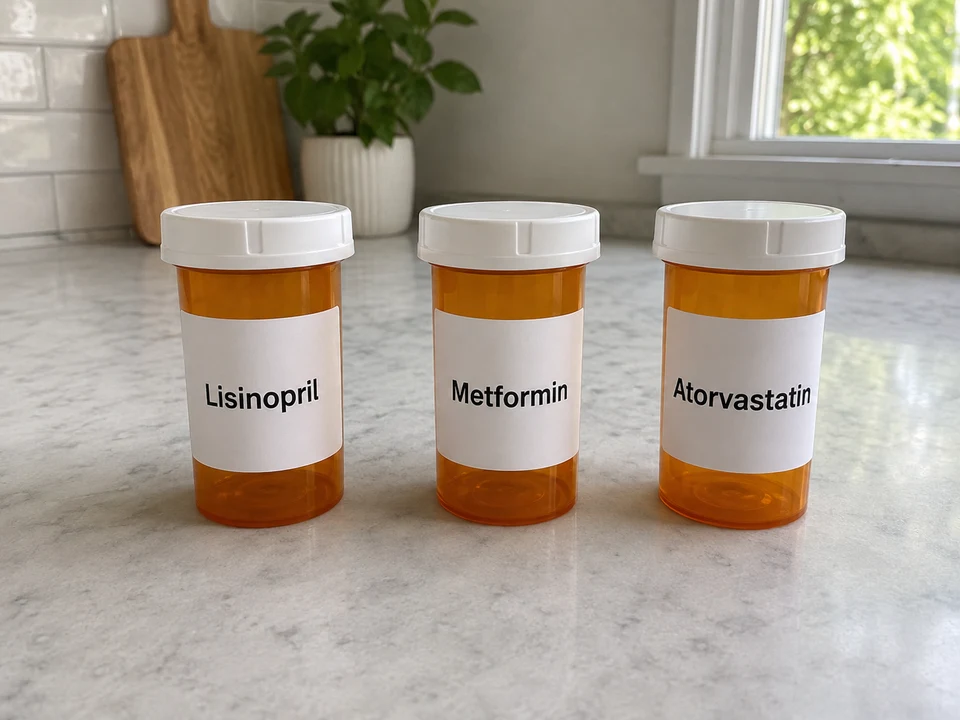
If you cannot remember the names of your medicines, a clear photo of the bottles may help. If the clinician needs to see something, they may ask for a photo or suggest a video conversation. An audio call can help when talking is easier than typing.
Text, pictures, audio and video are ways to understand your concern. A photo alone does not establish a diagnosis, and none of these replaces an examination when an in-person assessment is needed.
What might a medication refill conversation look like?
In a fictional example, a resident sends a photo of their existing prescription bottles and explains that their usual appointment is two weeks away. The clinician reviews the medicines, history, recent monitoring and safety questions. If appropriate, they may provide a bridge refill and a follow-up plan. Some medicines or situations require an in-person visit or additional information.
The plan should fit your actual life.
A useful plan answers practical questions: what happens now, where you need to go, what it may cost, and when to get help again. If a prescription is appropriate, the team helps you choose your pharmacy and compare available pricing. Prices and insurance coverage can vary.
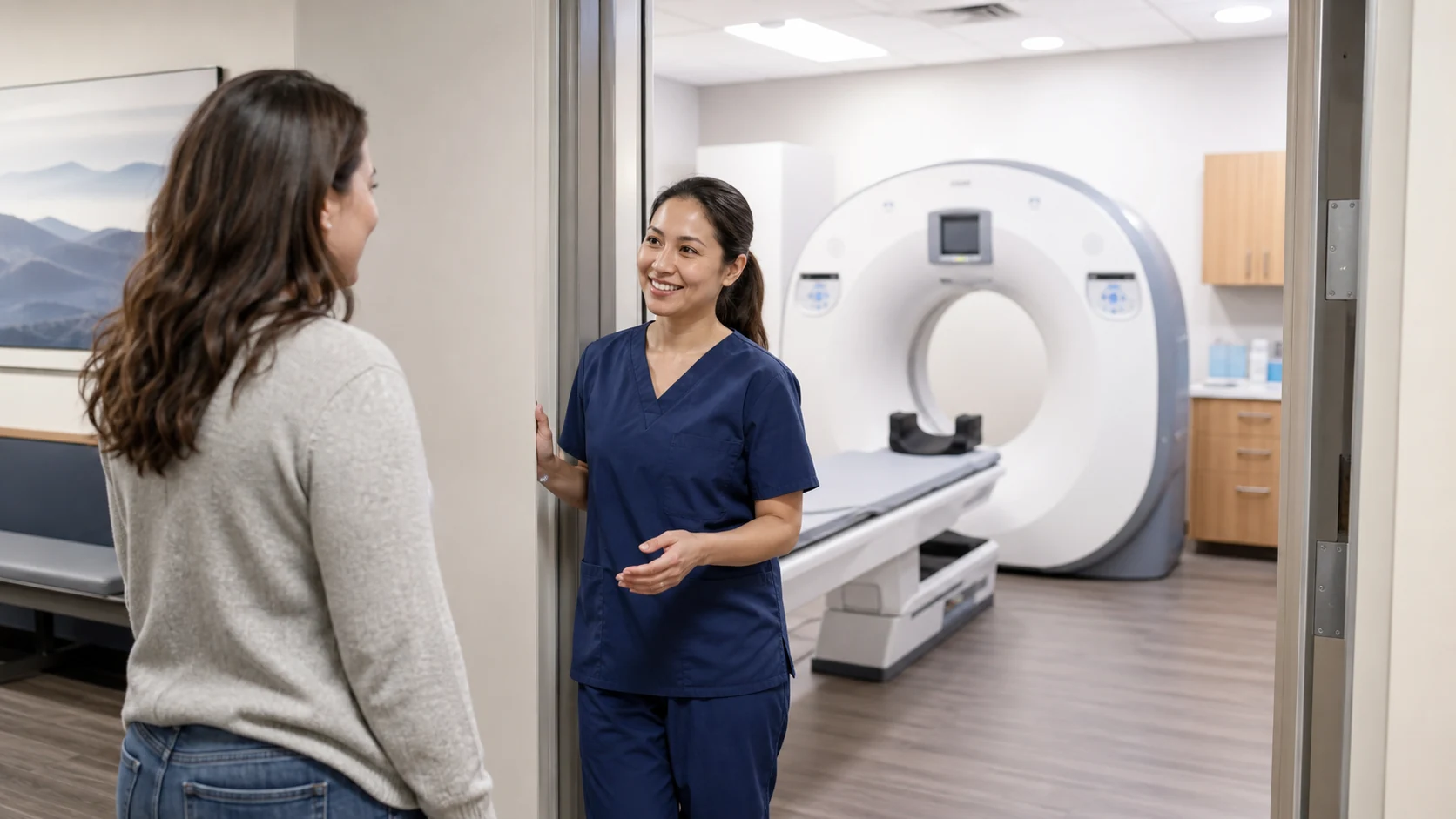
If care needs to continue in person, Tap helps you connect with the appropriate local provider. An urgent concern may require an emergency department rather than a routine appointment. For an emergency, call 911 instead of waiting for a text response.
You still have the number afterward.
A visit is more useful when the instructions do not disappear at the end of it. You can return to the conversation with questions. Your patient portal gives you a place to review medical history, visit notes and prescription history, and manage family members on your account.
The on-page examples let you see the process before you need it. They are fictional demonstrations, not a live consultation. Try one, then save your real Tap connection if your program participates.